
Lottery7 APK Download
APP install guide · Real device tested
This is the Android package used in our latest test
Platform
AndroidiOS
- Version
- 2.0.0
- File Size
- 46.73mb
- Updated
- 02 Sep 2026
- Tested On
- Google pixel 8a Android 13
How to Install
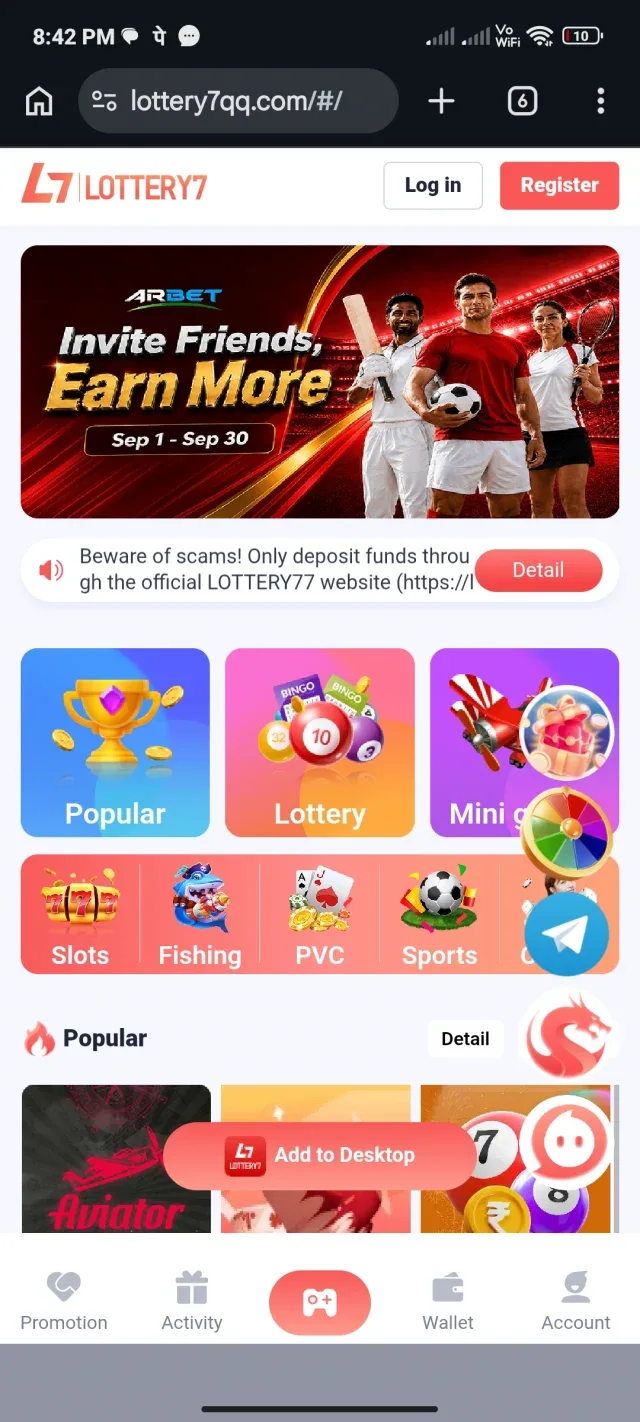
- 1
Tap Download button to download APK file
Visit website and click on add to desktop and click on install
- 2
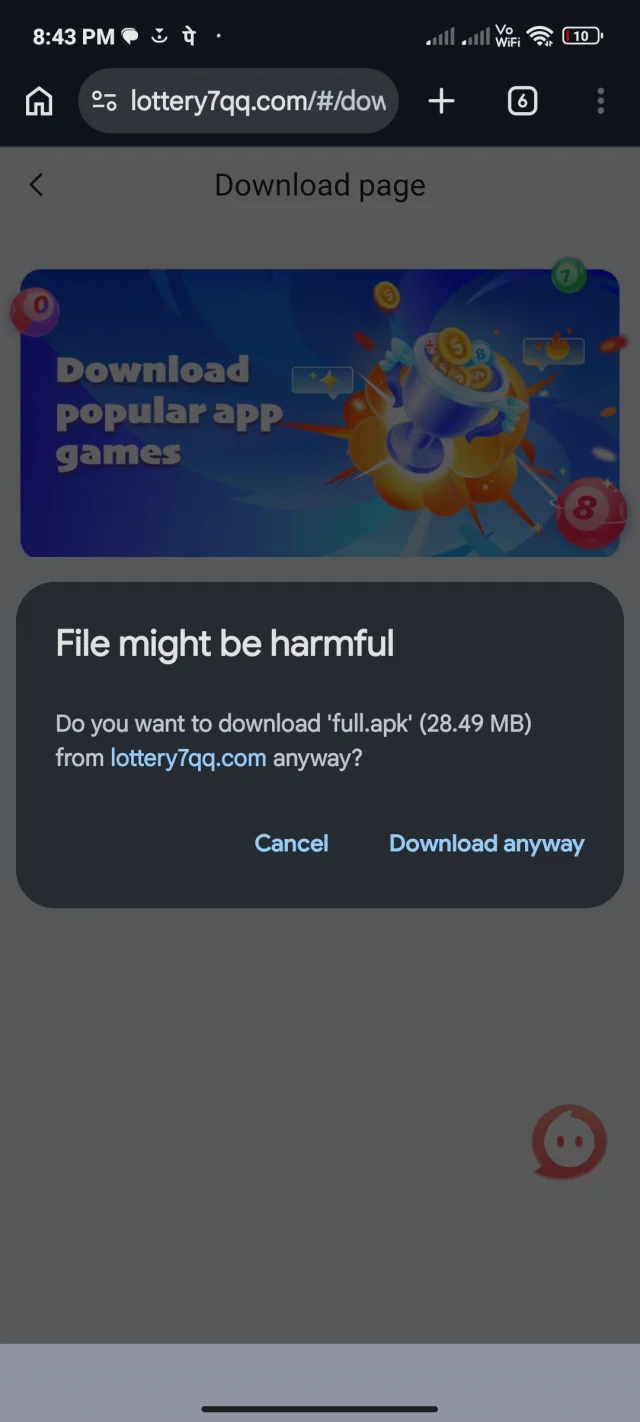
If Chrome shows a warning
Tap Download anyway or Keep file. This is normal for APKs not from Play Store.
- 3
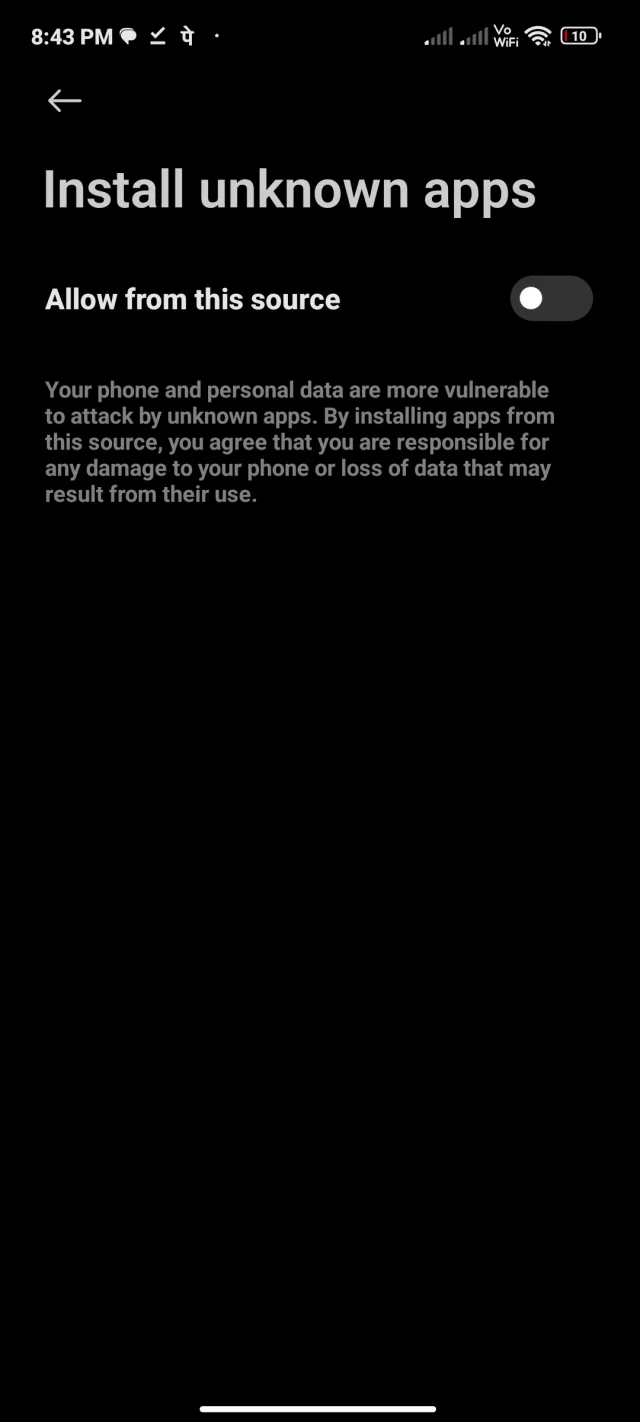
Allow install from unknown sources
Go to Settings -> Apps -> Special access -> Install unknown apps -> select your browser -> Allow.
- 4
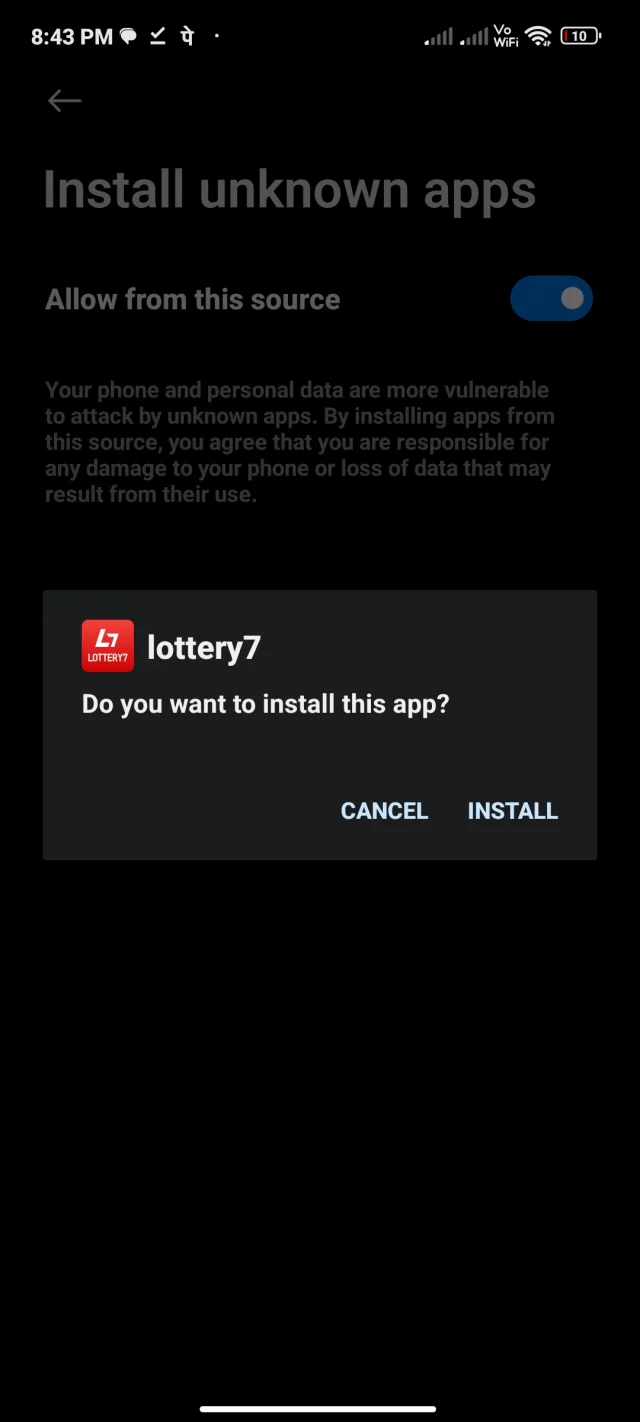
Open the APK and install
Open the downloaded file from notification or Files app. Tap Install. It usually takes less than 1 minute.
- 5
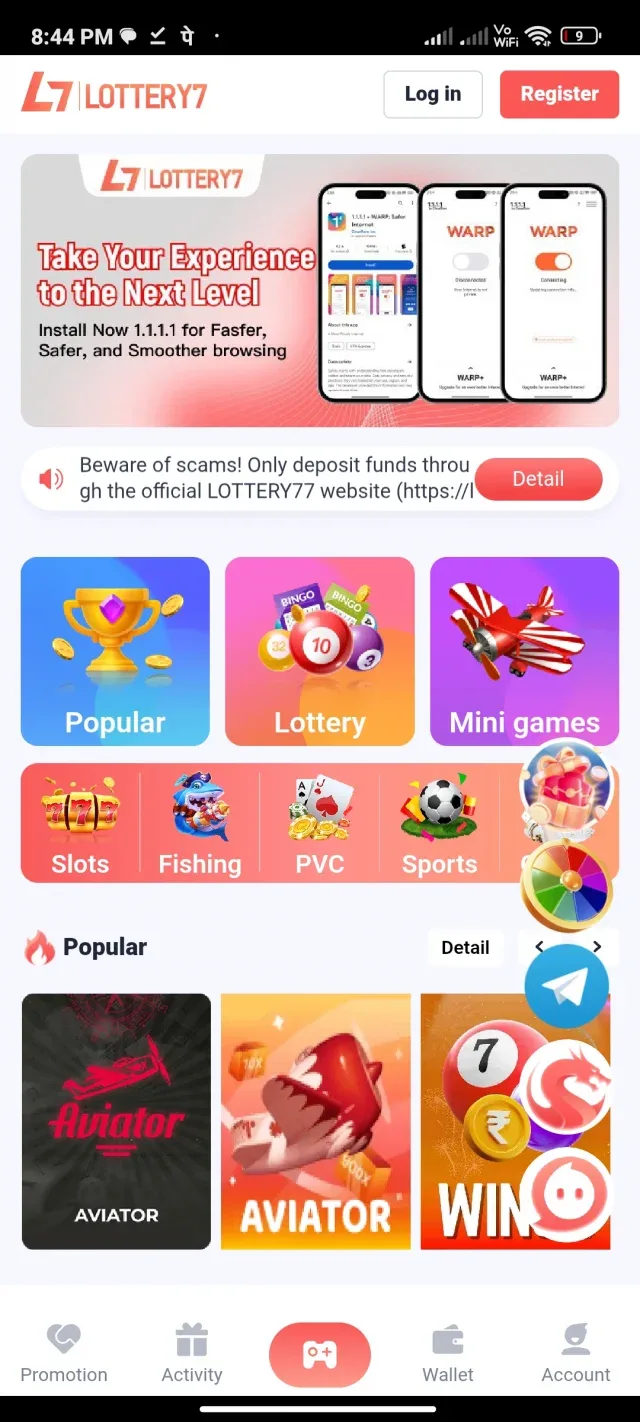
Open the app and log in
After install, open it. You still need to register or login with your mobile number. The app looks more faster than website.
Common Questions
How to download app
How to download app
Visit website page and click on add to desktop and full installation it will be downloaded